TAG Framework for Prompt Engineering: Task, Action, Goal - Minimal AI Prompting
Master the TAG framework (Task, Action, Goal) for minimal, goal-focused AI prompting. Perfect for quick tasks, simple queries, and situations requiring maximum clarity with minimum overhead. Works with ChatGPT, Claude, and Gemini.
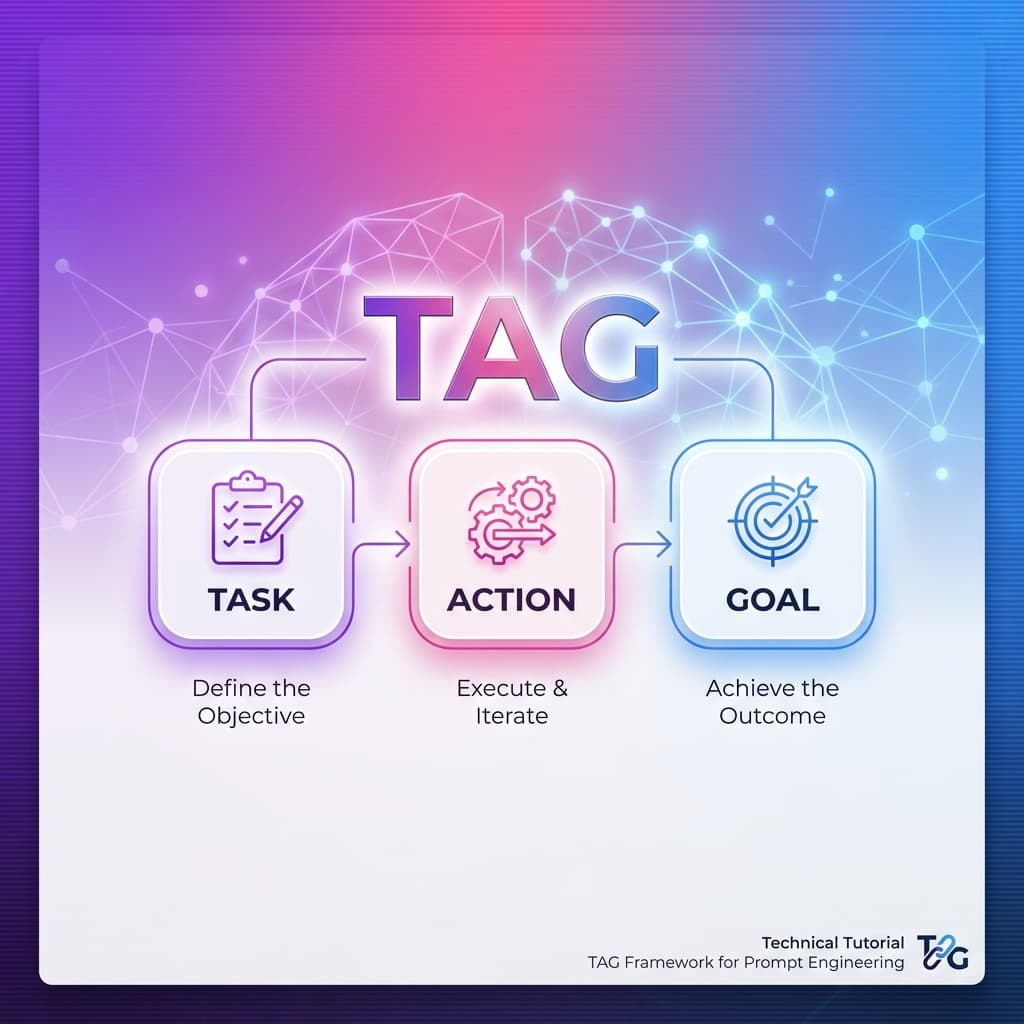
TAG Framework: Minimal AI Prompting for Maximum Clarity
The TAG framework is a minimal, goal-focused prompt engineering structure designed for straightforward requests. Perfect for quick tasks, simple queries, and situations requiring minimal overhead with maximum clarity.
What is the TAG Framework?
TAG is the simplest, fastest prompt engineering framework available, designed for situations where you need quick results without complex setup. The acronym stands for Task, Action, and Goal — three essential elements that create clear, focused prompts.
Why Use TAG?
The TAG framework is best for quick tasks, simple queries, and situations requiring minimal overhead:
- Speed: Fastest framework to construct
- Clarity: No unnecessary complexity
- Focus: Goal-oriented approach
- Efficiency: Maximum results, minimum effort
Unlike comprehensive frameworks like COSTAR or RISEN, TAG is intentionally minimal — perfect when you know exactly what you want and don't need elaborate structure.
The Three TAG Components Explained
T - Task: What Needs to Be Done
Task specifies the concrete work or request you need completed.
Why it matters: Clear tasks produce focused results. The task is the "what" of your request.
Examples:
- "Summarize this article"
- "Generate 5 blog post ideas"
- "Translate this text to Spanish"
- "Create a meeting agenda"
- "Write a product description"
Best practices:
- Use action verbs (summarize, generate, translate, create)
- Be specific but concise
- One task per prompt (don't combine)
- State what, not how
A - Action: How to Approach It
Action defines the approach or method for completing the task.
Why it matters: The action guides the AI's approach, ensuring the right methodology.
Examples:
- "Summarize by extracting the 3 main points"
- "Generate ideas focused on beginner-friendly topics"
- "Translate maintaining a professional tone"
- "Create an agenda with time allocations"
- "Write a description emphasizing benefits over features"
Best practices:
- Specify the approach or methodology
- Include key constraints
- Mention style or tone if relevant
- Keep it to one sentence
G - Goal: Why You're Doing This
Goal states the desired outcome or purpose of the task.
Why it matters: Goals provide context and help the AI prioritize what matters most.
Examples:
- "So I can quickly understand the key points without reading the full article"
- "To plan my content calendar for next month"
- "For a business email to a Spanish client"
- "To keep our team meeting focused and under 30 minutes"
- "To increase product page conversions"
Best practices:
- State the "why" or intended use
- Include success criteria when relevant
- Mention the audience or context
- Keep it brief (one sentence)
TAG in Action: Before & After
Before (Vague Prompt)
Help me with this article
Result: Unclear what kind of help is needed.
After (TAG-Structured Prompt)
**Task:** Summarize this 2000-word article about AI in healthcare

**Action:** Extract the 5 most important points and present them as bullet points

**Goal:** So I can quickly brief my team on the key developments without them reading the full article
Result: Focused, actionable summary that serves the specific purpose.
When to Use TAG Framework
TAG is best for quick tasks and simple queries requiring minimal overhead:
✅ Ideal Use Cases
-
Quick Content Tasks
- Summarizations
- Translations
- Rewrites
- Expansions
- Simplifications
-
Idea Generation
- Brainstorming
- List creation
- Title generation
- Topic ideas
- Name suggestions
-
Simple Queries
- Definitions
- Explanations
- Comparisons
- Recommendations
- Quick answers
-
Formatting Tasks
- Text formatting
- Data organization
- List conversion
- Structure changes
- Format transformations
❌ When NOT to Use TAG
- Complex multi-step tasks — Use RISEN instead
- Audience-specific content — Use COSTAR instead
- Business strategy — Use CARE instead
- Code generation — Use Code Assistant framework
- When you need detailed structure — Use RTF instead
TAG vs. Other Frameworks
| Framework | Complexity | Setup Time | Best For |
|---|---|---|---|
| TAG | Minimal | ⚡⚡ Fastest | Quick tasks, simple queries |
| RTF | Low | ⚡ Fast | Content creation, data analysis |
| CARE | Medium | 🐢 Medium | Business requests, problem-solving |
| COSTAR | High | 🐢 Slow | Marketing, communications |
| RISEN | High | 🐢 Slow | Tutorials, procedures |
Real-World TAG Examples
Example 1: Content Summarization
**Task:** Summarize this 3000-word research paper on climate change

**Action:** Extract the main hypothesis, methodology, key findings, and conclusion in 4 bullet points

**Goal:** For a quick reference when writing my own paper on related topics
Example 2: Idea Generation
**Task:** Generate 10 blog post ideas about productivity for remote workers

**Action:** Focus on actionable, beginner-friendly topics that can be covered in 800-1000 words

**Goal:** To plan my content calendar for the next quarter
Example 3: Translation
**Task:** Translate this product description to French

**Action:** Maintain a professional, persuasive tone suitable for B2B audiences

**Goal:** For our French website launch next month
Example 4: Text Formatting
**Task:** Convert this unstructured meeting notes into a formatted agenda

**Action:** Organize by topic, add time allocations, and prioritize action items

**Goal:** To share with the team before tomorrow's meeting
Using TAG in PromptBoost
PromptBoost includes TAG as a built-in framework:
- Select TAG from the Frameworks menu
- Define the task — What needs to be done
- Specify the action — How to approach it
- State the goal — Why you're doing this
- Generate and use with any AI model
TAG prompts are the fastest to create in PromptBoost — perfect for rapid iteration.
TAG Best Practices
Do's ✅
- Keep it simple — TAG is meant to be minimal
- Be specific — Even simple prompts need clarity
- State the goal — Context improves results
- Use action verbs — Summarize, generate, translate, create
- Focus on one task — Don't combine multiple requests
Don'ts ❌
- Don't overcomplicate — If you need more structure, use a different framework
- Don't skip the goal — It provides crucial context
- Don't be vague — "Help me" isn't a task
- Don't combine tasks — One prompt, one task
- Don't forget the action — It guides the approach
TAG for Different AI Models
TAG works excellently across all AI models:
- ChatGPT: Fast, accurate responses to simple tasks
- Claude: Great for summarization and analysis
- Gemini: Excellent for quick queries and formatting
- Other models: Universal framework that works anywhere
When to Upgrade from TAG
Start with TAG, but upgrade to more comprehensive frameworks when:
- Audience matters → Switch to COSTAR
- Multiple steps needed → Switch to RISEN
- Examples would help → Switch to CARE
- Role perspective matters → Switch to RTF
- Task is complex → Choose appropriate framework
Conclusion
The TAG framework is your go-to choice for quick tasks and simple queries where speed and clarity matter most. It's the fastest framework to construct and perfect for everyday AI interactions.
Key Takeaways:
- Use TAG for quick, simple tasks
- Fastest framework to construct
- Perfect for everyday AI interactions
- Built into PromptBoost for instant use
Ready to streamline your AI prompting? Get PromptBoost and access TAG along with 17 other specialized prompt engineering frameworks for every situation.
Ready to Transform Your Prompts?
PromptBoost has all these frameworks built-in. Start creating professional prompts in seconds.
Get PromptBoost Now