RTF Framework for Prompt Engineering: Role, Task, Format Guide for AI
Master the RTF framework (Role, Task, Format) for simple, effective AI prompting. Perfect for content creation, data analysis, and straightforward requests with ChatGPT, Claude, and Gemini. Learn when to use RTF vs COSTAR.
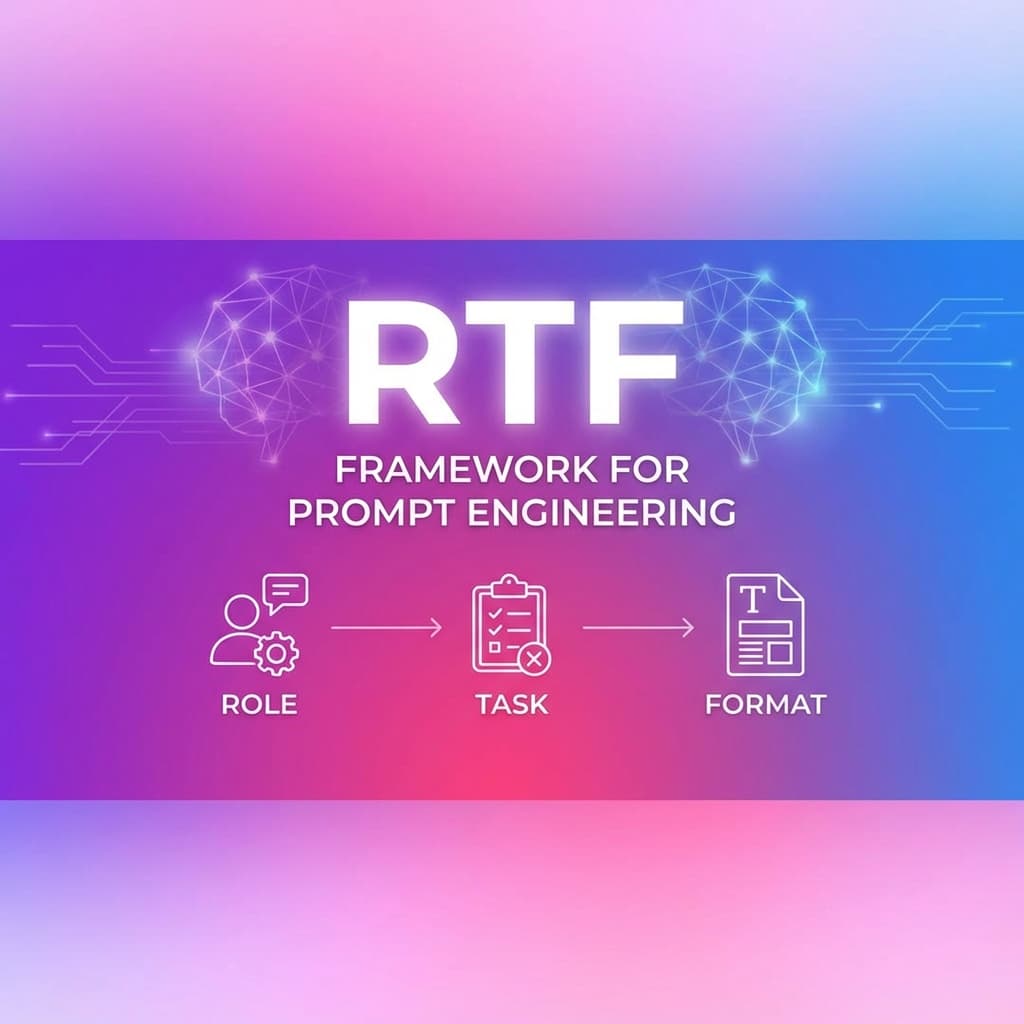
RTF Framework for Prompt Engineering: Simple, Effective AI Prompts
The RTF framework is a streamlined, role-based prompt engineering structure designed for straightforward requests with clear output expectations. Perfect for content creation, data analysis, and tasks needing a specific expert perspective.
What is the RTF Framework?
RTF is a simple yet powerful prompt engineering framework that focuses on three essential elements: Role, Task, and Format. It's designed for situations where you need the AI to adopt a specific expert perspective and deliver results in a particular format.
Why Use RTF?
The RTF framework is best for content creation, data analysis, and straightforward requests where you need:
- Expert perspective: AI adopts a specific role (analyst, writer, consultant)
- Clear deliverables: Defined output format prevents ambiguity
- Simplicity: Minimal overhead compared to comprehensive frameworks
- Speed: Quick to construct, easy to iterate
Unlike comprehensive frameworks like COSTAR, RTF strips away audience and tone considerations, making it ideal for internal work, data analysis, and situations where a specific expert viewpoint matters more than audience targeting.
The Three RTF Components Explained
R - Role: Define the Expert
Role specifies what expert perspective the AI should adopt.
Why it matters: Different roles bring different knowledge, priorities, and approaches. A financial analyst views data differently than a marketing strategist.
Examples:
- "Act as a senior data analyst with 10 years of experience in e-commerce"
- "You are a technical writer specializing in API documentation"
- "Take the role of a content strategist focused on SEO optimization"
Best practices:
- Be specific about expertise level (junior, senior, expert)
- Include relevant domain knowledge
- Mention years of experience when relevant
- Specify industry or specialization
T - Task: Specify the Work
Task clearly defines what you want the AI to accomplish.
Why it matters: Vague tasks produce vague results. Specific tasks with measurable outcomes ensure focused, actionable outputs.
Examples:
- ❌ Poor: "Analyze this data"
- ✅ Good: "Analyze this sales data to identify the top 3 underperforming product categories and explain why they're struggling"
Best practices:
- Use action verbs (analyze, create, summarize, evaluate)
- Include specific deliverables
- Mention constraints (word count, time frame, scope)
- Define success criteria when possible
F - Format: Define the Output
Format specifies the structure and presentation of the desired output.
Why it matters: The right content in the wrong format is useless. Format specifications ensure the AI delivers exactly what you need.
Examples:
- "Provide a bullet-point list with 5-7 items"
- "Create a markdown table with columns for Product, Revenue, and Growth %"
- "Write a 500-word executive summary with 3 key findings and 2 recommendations"
Best practices:
- Specify length (word count, number of items)
- Define structure (sections, headings, lists)
- Mention formatting (markdown, HTML, plain text)
- Include examples when helpful
RTF in Action: Before & After
Before (Vague Prompt)
Tell me about this sales data
Result: Generic observations without actionable insights.
After (RTF-Structured Prompt)
**Role:** You are a senior e-commerce data analyst with expertise in identifying growth opportunities.

**Task:** Analyze the attached Q4 sales data to identify:
1. Top 3 best-performing product categories (by revenue growth)
2. Top 3 underperforming categories (by decline or stagnation)
3. One actionable recommendation for each underperforming category

**Format:** Provide your analysis as:
- Executive summary (2-3 sentences)
- Markdown table with columns: Category, Q4 Revenue, YoY Growth %, Status
- Detailed findings (100 words per category)
- Recommendations section with specific next steps
Result: Focused, actionable analysis with clear insights and recommendations.
When to Use RTF Framework
RTF is best for straightforward requests where role-based expertise and clear formatting matter:
✅ Ideal Use Cases
-
Content Creation
- Blog post outlines
- Article summaries
- Social media content
- Email drafts
- Product descriptions
-
Data Analysis
- Sales reports
- Performance reviews
- Trend analysis
- Competitive research
- Survey analysis
-
Professional Tasks
- Meeting summaries
- Project briefs
- Research reports
- Documentation
- Process descriptions
-
Quick Requests
- Brainstorming sessions
- Idea generation
- List creation
- Comparison tables
- FAQ generation
❌ When NOT to Use RTF
- Complex multi-step procedures — Use RISEN instead
- Audience-specific content — Use COSTAR instead
- Code generation — Use Code Assistant framework
- When examples are critical — Use CARE framework
- Minimal quick tasks — Use TAG framework
RTF vs. Other Frameworks
| Framework | Complexity | Best For | Setup Time |
|---|---|---|---|
| RTF | Low | Content creation, data analysis | ⚡ Fast |
| COSTAR | High | Marketing, communications | 🐢 Slow |
| RISEN | High | Complex procedures, tutorials | 🐢 Slow |
| CARE | Medium | Business requests, problem-solving | ⚡ Fast |
| TAG | Low | Quick tasks, simple queries | ⚡⚡ Fastest |
Real-World RTF Examples
Example 1: Content Creation
**Role:** You are an experienced tech blogger who writes for non-technical audiences.

**Task:** Create a blog post outline about "How AI is Transforming Small Business Operations" that covers practical applications, avoids hype, and includes real-world examples.

**Format:** Provide:
- Catchy headline (under 60 characters)
- Introduction hook (2-3 sentences)
- 5 main sections with descriptive headings
- 3-4 bullet points per section outlining key points
- Conclusion with call-to-action
Example 2: Data Analysis
**Role:** You are a marketing analyst specializing in email campaign performance.

**Task:** Analyze the attached email campaign data from last quarter to identify which subject line types (question, urgency, personalization) performed best in terms of open rates and click-through rates.

**Format:** Deliver:
- Summary paragraph (3-4 sentences)
- Comparison table: Subject Line Type | Avg Open Rate | Avg CTR | Sample Count
- Top 3 insights (50 words each)
- 2 specific recommendations for next quarter
Example 3: Professional Writing
**Role:** You are a technical writer with expertise in creating clear, concise API documentation.

**Task:** Write documentation for our new authentication endpoint that explains the request format, required headers, response codes, and common errors.

**Format:** Structure as:
- Endpoint overview (2-3 sentences)
- Request format (with code example)
- Required headers table
- Response codes section (200, 401, 403, 500)
- Common errors and solutions (3-5 examples)
- Security best practices (bullet list)
Using RTF in PromptBoost
PromptBoost includes RTF as a built-in framework template:
- Select RTF from the Frameworks menu
- Define the role — Choose the expert perspective
- Specify the task — Describe what needs to be done
- Set the format — Define the output structure
- Generate and copy to any AI model
PromptBoost automatically structures your RTF components into an optimized prompt.
RTF Best Practices
Do's ✅
- Be specific about role expertise — "Senior SEO specialist" vs "SEO person"
- Use action verbs in tasks — Analyze, create, summarize, evaluate
- Define measurable outcomes — "Top 3 insights" vs "some insights"
- Specify exact format — Word count, structure, sections
- Include examples when format is complex
Don'ts ❌
- Don't use vague roles — "Expert" is too generic
- Don't skip format — It's critical for usable outputs
- Don't combine multiple tasks — Keep it focused
- Don't assume the AI knows your preferred format
- Don't overcomplicate — RTF is meant to be simple
RTF for Different AI Models
RTF works excellently across all major AI models:
- ChatGPT: Excels at role-playing and format adherence
- Claude: Strong analytical capabilities, great for data tasks
- Gemini: Excellent for research and content creation
- Other models: Universal framework that works anywhere
Conclusion
The RTF framework is your go-to choice for straightforward requests needing expert perspective and clear formatting. It's simple, fast, and effective for content creation, data analysis, and professional tasks.
Key Takeaways:
- Use RTF for content creation and data analysis
- Perfect when you need a specific expert perspective
- Faster than COSTAR, more structured than TAG
- Built into PromptBoost for instant use
Ready to create expert-level prompts in seconds? Get PromptBoost and access RTF along with 17 other specialized prompt engineering frameworks.
Ready to Transform Your Prompts?
PromptBoost has all these frameworks built-in. Start creating professional prompts in seconds.
Get PromptBoost Now