RISEN Framework for Prompt Engineering: Step-by-Step AI Prompting Guide
Master the RISEN framework (Role, Instructions, Steps, End goal, Narrowing) for complex multi-step AI tasks. Perfect for tutorials, procedures, project planning, and workflows with ChatGPT, Claude, and Gemini.
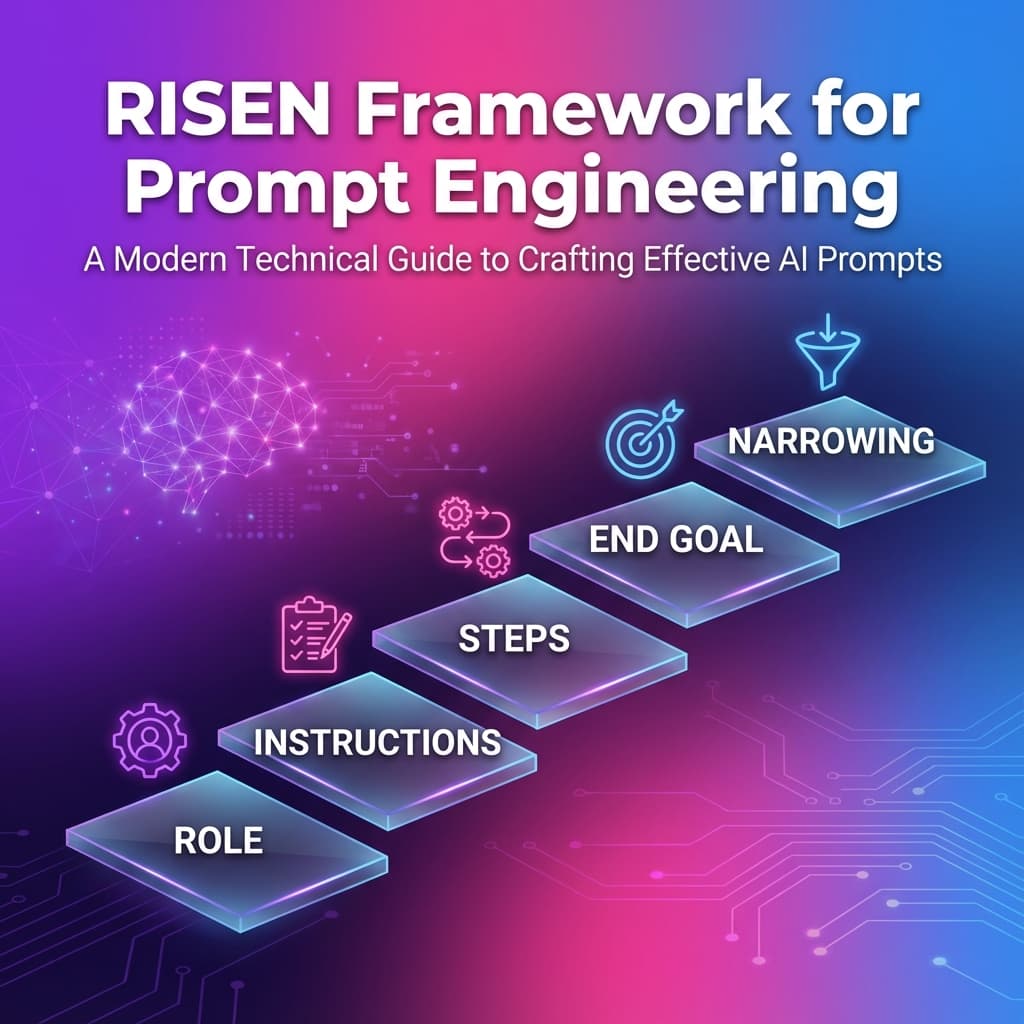
RISEN Framework: Master Complex Multi-Step AI Prompts
The RISEN framework is a comprehensive, step-by-step prompt engineering structure designed for complex tasks requiring detailed breakdowns with constraints. Perfect for tutorials, procedures, project planning, and multi-step workflows.
What is the RISEN Framework?
RISEN is a powerful prompt engineering framework specifically designed for complex, multi-step tasks that require clear instructions, sequential steps, and defined constraints. The acronym stands for Role, Instructions, Steps, End goal, and Narrowing.
Why Use RISEN?
The RISEN framework is best for tutorials, procedures, project planning, and multi-step workflows where you need:
- Step-by-step clarity: Complex tasks broken into manageable steps
- Constraint definition: Clear boundaries and limitations
- Goal alignment: Every step contributes to the end goal
- Process documentation: Reproducible, teachable procedures
Unlike simpler frameworks, RISEN excels at complex tasks that require sequential thinking and explicit constraints.
The Five RISEN Components Explained
R - Role: Define the Expert
Role specifies what expert perspective the AI should adopt for this complex task.
Why it matters: Complex tasks require specialized expertise. The right role brings domain knowledge and best practices.
Examples:
- "Act as a senior project manager with Agile certification"
- "You are an instructional designer specializing in technical tutorials"
- "Take the role of a DevOps engineer with 8 years of CI/CD experience"
I - Instructions: Provide Context
Instructions give the AI the background context and overall guidance needed to understand the task.
Why it matters: Complex tasks need context. Instructions set the stage before diving into steps.
Example:
We need to migrate our monolithic application to microservices. The current app has 5 main modules, 200K lines of code, and serves 10K daily users. We want to minimize downtime and maintain data consistency.
S - Steps: Break It Down
Steps define the sequential actions needed to complete the task.
Why it matters: This is the heart of RISEN. Clear, ordered steps prevent confusion and ensure completeness.
Best practices:
- Number steps sequentially
- Make each step actionable
- Include decision points
- Specify dependencies
- Add validation checkpoints
Example:
1. Analyze the current monolith to identify module boundaries
2. Design the microservices architecture with service boundaries
3. Set up the infrastructure (containers, orchestration, networking)
4. Implement the first microservice with full testing
5. Create data migration strategy
6. Deploy to staging and run integration tests
7. Plan phased rollout to production
8. Monitor and optimize post-migration
E - End Goal: Define Success
End goal clearly states what success looks like when the task is complete.
Why it matters: Without a clear end goal, it's impossible to know when you're done or if you've succeeded.
Examples:
- ❌ Poor: "Migrate to microservices"
- ✅ Good: "Successfully migrate to 5 independent microservices, each deployable separately, with <100ms latency increase and zero data loss"
N - Narrowing: Set Constraints
Narrowing defines the boundaries, limitations, and constraints that must be respected.
Why it matters: Constraints prevent scope creep and ensure practical, implementable solutions.
Examples:
- "Budget: $50K maximum"
- "Timeline: Complete within 3 months"
- "Technology: Must use existing AWS infrastructure"
- "Team: 3 developers, no additional hires"
- "Constraints: Zero downtime during migration"
RISEN in Action: Before & After
Before (Vague Prompt)
Help me create a tutorial about setting up a blog
Result: Generic, incomplete tutorial without clear structure.
After (RISEN-Structured Prompt)
**Role:** You are an experienced technical writer who creates beginner-friendly tutorials for non-technical users.

**Instructions:** Create a comprehensive tutorial for setting up a WordPress blog. The target audience is small business owners with no technical background who want to start content marketing. They're intimidated by technology but motivated to learn.

**Steps:** Include these sequential steps:
1. Choosing and purchasing a domain name
2. Selecting a hosting provider
3. Installing WordPress
4. Choosing and customizing a theme
5. Installing essential plugins (SEO, security, backup)
6. Creating first blog post
7. Setting up basic SEO
8. Promoting the first post

**End goal:** By the end of this tutorial, readers should have a fully functional WordPress blog with their first published post, basic SEO configured, and understand how to create future posts.

**Narrowing:**
- Keep it under 2000 words
- Use screenshots for every major step
- Recommend free or low-cost tools only (under $100/year total)
- Avoid technical jargon; explain terms when necessary
- Include troubleshooting tips for common issues
Result: Comprehensive, beginner-friendly tutorial with clear progression and realistic scope.
When to Use RISEN Framework
RISEN is best for complex tasks requiring step-by-step breakdown with constraints:
✅ Ideal Use Cases
-
Tutorials & How-To Guides
- Technical tutorials
- Process documentation
- Training materials
- Onboarding guides
- Setup instructions
-
Project Planning
- Implementation plans
- Migration strategies
- Rollout plans
- Process improvements
- System designs
-
Multi-Step Workflows
- Business processes
- Quality assurance procedures
- Compliance workflows
- Deployment pipelines
- Testing protocols
-
Complex Problem-Solving
- Troubleshooting guides
- Root cause analysis
- Optimization strategies
- Refactoring plans
❌ When NOT to Use RISEN
- Simple, quick tasks — Use TAG or RTF instead
- Audience-specific marketing — Use COSTAR instead
- Code generation — Use Code Assistant framework
- When steps aren't sequential — Use CARE framework
- Single-action requests — Overkill for simple tasks
RISEN vs. Other Frameworks
| Framework | Best For | Complexity | Step Focus |
|---|---|---|---|
| RISEN | Tutorials, procedures, planning | High | ⭐⭐⭐ Critical |
| COSTAR | Marketing, communications | High | ⭐ Minimal |
| RTF | Content creation, data analysis | Low | ⭐ Minimal |
| CARE | Business requests, problem-solving | Medium | ⭐⭐ Moderate |
| TAG | Quick tasks, simple queries | Low | ⭐ Minimal |
Real-World RISEN Examples
Example 1: Technical Tutorial
**Role:** You are a DevOps engineer who specializes in teaching CI/CD best practices to development teams.

**Instructions:** Create a tutorial for setting up a CI/CD pipeline for a Node.js application using GitHub Actions. The team is familiar with Git but new to automated deployments.

**Steps:**
1. Set up GitHub repository structure
2. Create development, staging, and production branches
3. Configure GitHub Actions workflow file
4. Set up automated testing on pull requests
5. Configure staging deployment on merge to develop
6. Set up production deployment with manual approval
7. Add deployment notifications
8. Test the entire pipeline

**End goal:** A fully functional CI/CD pipeline that automatically tests code, deploys to staging, and allows controlled production deployments with rollback capability.

**Narrowing:**
- Use only GitHub Actions (no third-party CI tools)
- Deploy to AWS (existing infrastructure)
- Include only essential steps (under 1500 words)
- Provide complete workflow YAML examples
- Budget: Use free GitHub Actions minutes
Example 2: Project Planning
**Role:** You are a senior product manager with expertise in feature launches and go-to-market strategies.

**Instructions:** Create a launch plan for our new AI-powered scheduling feature. We have a user base of 50K, limited marketing budget, and want to maximize adoption while gathering feedback for iteration.

**Steps:**
1. Define launch objectives and success metrics
2. Identify target user segments for beta
3. Create beta testing program (timeline, size, criteria)
4. Plan feature announcement strategy
5. Develop user onboarding flow
6. Set up feedback collection mechanisms
7. Plan phased rollout (beta → 25% → 50% → 100%)
8. Create monitoring and optimization plan

**End goal:** Successfully launch the scheduling feature to 100% of users within 6 weeks, achieving 30% adoption rate and 4+ star rating, with actionable feedback for v2.

**Narrowing:**
- Timeline: 6 weeks from beta to full launch
- Budget: $10K for marketing/tools
- Team: 1 PM, 2 engineers, 1 designer
- Must integrate with existing onboarding
- No breaking changes to current features
Using RISEN in PromptBoost
PromptBoost includes RISEN as a built-in framework:
- Select RISEN from the Frameworks menu
- Define the role — Choose the expert perspective
- Provide instructions — Set the context
- List the steps — Break down the process
- State the end goal — Define success
- Set constraints — Add narrowing criteria
- Generate and use with any AI model
RISEN Best Practices
Do's ✅
- Number steps clearly — 1, 2, 3 format
- Make steps actionable — Start with verbs
- Include validation — How to verify each step
- Be specific with constraints — Numbers, dates, budgets
- Define measurable end goals — Quantify success
Don'ts ❌
- Don't skip steps — Completeness matters
- Don't make steps too broad — Break down further
- Don't forget dependencies — Note prerequisites
- Don't ignore constraints — They prevent scope creep
- Don't use vague end goals — Be specific
Conclusion
The RISEN framework is your go-to choice for complex, multi-step tasks requiring detailed procedures and clear constraints. Perfect for tutorials, project planning, and workflows.
Key Takeaways:
- Use RISEN for complex, multi-step tasks
- Steps are the core — make them clear and actionable
- Constraints prevent scope creep
- Built into PromptBoost for instant use
Ready to tackle complex tasks with structured prompts? Get PromptBoost and access RISEN along with 17 other specialized prompt engineering frameworks.
Ready to Transform Your Prompts?
PromptBoost has all these frameworks built-in. Start creating professional prompts in seconds.
Get PromptBoost Now