7 Beginner Mistakes That Kill Your ChatGPT Results (And What to Do Instead)
Stop making these common ChatGPT and AI prompting mistakes. Learn the 7 biggest errors beginners make with AI prompts, why they fail, and exactly how to fix them for better results from ChatGPT, Claude, and Gemini.
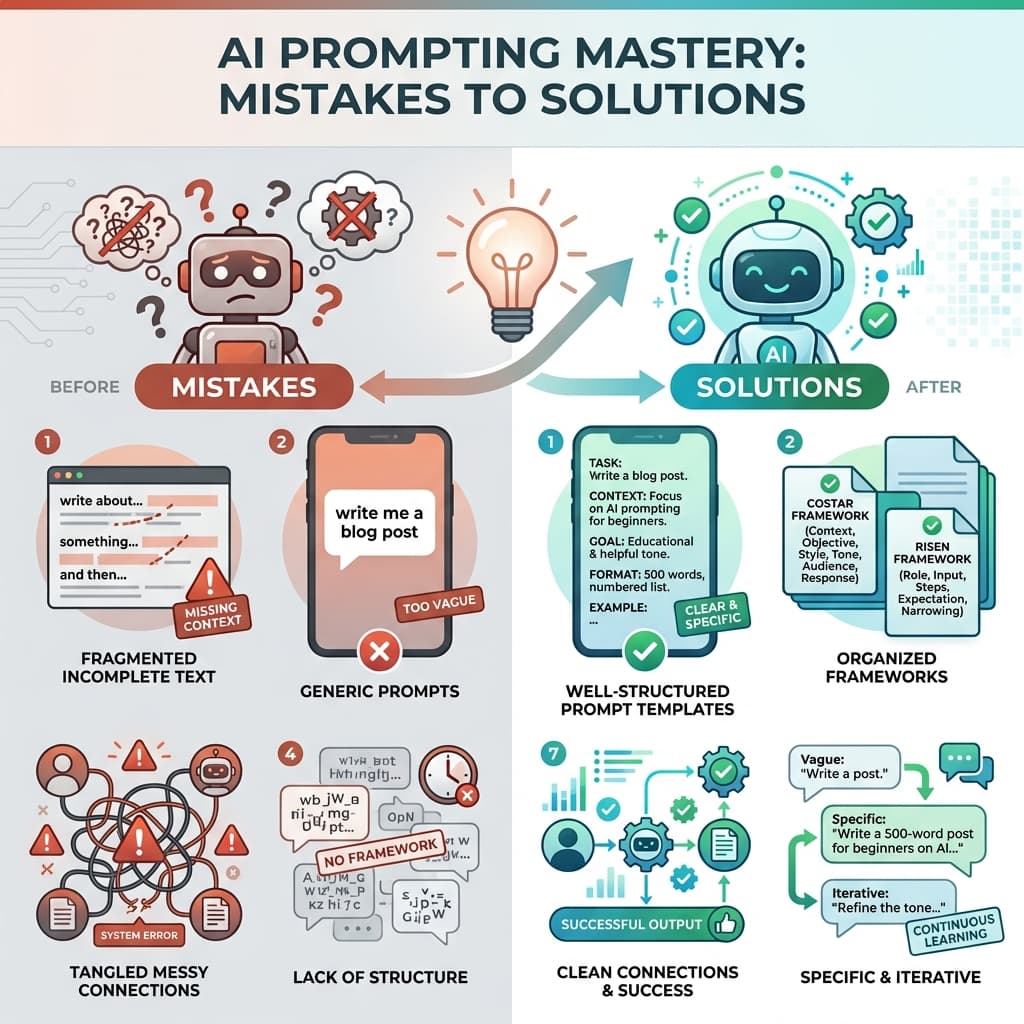
7 Beginner Mistakes That Kill Your ChatGPT Results (And What to Do Instead)
"Why does my AI feel so... dumb?"
If you've ever felt frustrated with ChatGPT, Claude, or Gemini giving you generic, unhelpful, or just plain wrong answers, you're not alone. But here's the truth: the AI isn't dumb. Your prompts probably are.
That sounds harsh, but it's actually good news. Because unlike the AI's limitations (which you can't control), your prompts are 100% in your control. Fix the prompts, and the AI transforms from frustrating to phenomenal.
Let's break down the 7 most common mistakes beginners make and exactly how to fix them.
Why Your AI Feels "Dumb" (It's Probably Your Prompts)
Large Language Models like ChatGPT are prediction machines. They generate text based on patterns in their training data and the instructions you give them. When you give vague, incomplete, or confusing instructions, the AI has to guess what you want.
And AI guesses are rarely what you actually need.
Think of it this way: if you asked a human assistant to "write something," they'd stare at you blankly. But if you said, "Write a 500-word blog post for small business owners about email marketing best practices, in a friendly tone, with 3 actionable tips," they'd know exactly what to do.
The AI is no different.
Mistake #1: Being Too Vague ("Write me a blog post")
This is the #1 killer of AI results. Vague prompts produce vague outputs.
❌ Bad Prompt (Mistake #1):
Write a blog post
Why It Fails (Mistake #1):
The AI has to guess:
- What topic?
- What length?
- What audience?
- What tone?
- What format?
- What's the goal?
With zero guidance, you get generic, unfocused content that helps nobody.
✅ What to Do Instead (Mistake #1):
Be specific about every dimension:
Write a 1200-word blog post for beginner gardeners about growing tomatoes
in containers. Use a friendly, encouraging tone. Include: introduction
explaining why container gardening works, 5 step-by-step tips with specific
varieties to try, common mistakes to avoid, and a conclusion with next steps.
Target keyword: "container tomato gardening for beginners"
Real example from our data: A user asked for "diagram showing human heart anatomy" and got a basic, unusable illustration. When they specified "clean medical illustration style, anterior view with 3/4 tilt, vertical cutaway showing internal chambers, numbered callouts, vector-style with flat scientific colors, 8K resolution," they received a professional, publication-ready medical diagram.
The fix: Add specificity to every vague element. If you're unsure what to specify, use a framework like COSTAR (Context, Objective, Style, Tone, Audience, Response format).
Mistake #2: Forgetting to Assign a Role/Persona
AI outputs improve dramatically when you tell the AI who it should be.
❌ Bad Prompt (Mistake #2):
Help me write a cover letter
Why It Fails (Mistake #2):
The AI defaults to a generic, formal tone that sounds like every other cover letter. It has no context about industry norms, company culture, or your unique value proposition.
✅ What to Do Instead (Mistake #2):
Assign a specific role:
You are an experienced career coach specializing in tech industry hiring.
Help me write a cover letter for a senior software engineer position at
a fast-growing startup. The company values innovation, autonomy, and
collaborative problem-solving. Highlight my 8 years of experience in
distributed systems and my track record of mentoring junior developers.
Why this works: The AI now has context about:
- Industry (tech)
- Company type (startup)
- Company values (innovation, autonomy, collaboration)
- Your background (8 years, distributed systems, mentoring)
The output will be tailored, specific, and compelling instead of generic.
Pro tip: The more specific the role, the better. "You are a career coach" is okay. "You are a career coach who has placed 200+ candidates at FAANG companies" is better.
Mistake #3: Not Iterating or Refining
Most beginners treat AI like a vending machine: insert prompt, get output, done. But AI works best as a conversation, not a transaction.
❌ Bad Approach (Mistake #3):
- Write prompt
- Get mediocre result
- Give up or start over from scratch
Why It Fails (Mistake #3):
You're throwing away the AI's initial attempt instead of building on it. The first output is rarely perfect—it's a starting point.
✅ What to Do Instead (Mistake #3):
Iterate in conversation:
First prompt:
Write a product description for wireless earbuds
AI gives generic output. Instead of starting over, refine:
That's too generic. Make it more specific. Emphasize the 10-hour battery
life and superior sound quality. Use a more energetic, premium tone.
Target audience is fitness enthusiasts who need reliable audio for workouts.
Still not quite right? Keep refining:
Good, but add a specific example of a use case—someone running a marathon
and never worrying about battery life. Also, include a comparison to
competitors that only offer 6-hour battery.
Real example from our data: A user started with "person using laptop at cafe, natural lifestyle shot" and got a basic image. Through iterative refinement—adding details about expression, cafe setting, lighting, composition, and mood—they transformed it into a professional, magazine-quality lifestyle photograph.
The fix: Treat your first prompt as a draft. Use follow-ups to add specificity, correct tone, adjust format, or refine focus.
Mistake #4: Ignoring Output Format Specifications
If you don't specify how you want the output formatted, the AI will choose for you. And its choice might not match your needs.
❌ Bad Prompt (Mistake #4):
Summarize this article
Why It Fails (Mistake #4):
You might get:
- A single paragraph
- Bullet points
- A numbered list
- A table
- Three sentences
- Three pages
Without format guidance, it's a lottery.
✅ What to Do Instead (Mistake #4):
Specify the exact format:
Summarize this article in exactly 5 bullet points, each no more than
one sentence. Focus on actionable takeaways, not background information.
Or for more complex outputs:
Create a blog post outline with:
- One H1 title
- Introduction paragraph (2-3 sentences)
- 5 H2 section headings with 2-3 bullet points each
- Conclusion paragraph with call-to-action
- Suggested meta description (under 160 characters)
Why this matters: Format specifications make outputs immediately usable. No reformatting, no guesswork, no wasted time.
Mistake #5: Overloading Single Prompts with Too Many Tasks
Trying to do everything in one prompt is like asking someone to cook dinner, fix your car, and write a novel—all at the same time.
❌ Bad Prompt (Mistake #5):
Write a blog post about AI trends, make it SEO-optimized, include code
examples, add images, create social media posts, and generate a newsletter
version
Why It Fails (Mistake #5):
The AI tries to juggle everything and does none of it well. Quality suffers across the board.
✅ What to Do Instead (Mistake #5):
Break it into sequential, focused prompts:
Prompt 1:
Create a detailed outline for a 1500-word blog post about AI trends in
2026 for software developers. Include 5 main trends with brief descriptions.
Prompt 2:
Using the outline above, write the full blog post. Focus on practical
applications and include one code example for each trend.
Prompt 3:
Optimize the blog post for SEO. Add: target keyword "AI trends 2026 for
developers", meta description, H2/H3 headings with keywords, internal
linking suggestions.
Prompt 4:
Create 3 social media posts promoting this blog post: one for LinkedIn
(professional tone, 150 words), one for Twitter (casual, 280 characters),
one for Reddit (detailed, conversational, 200 words).
The fix: One task per prompt. Chain prompts together for complex workflows.
Mistake #6: Not Providing Context or Examples
AI doesn't know your business, your audience, or your style unless you tell it. And telling isn't enough—showing is better.
❌ Bad Prompt (Mistake #6):
Write an email to customers about our new feature
Why It Fails (Mistake #6):
The AI has no idea:
- What the feature does
- Who your customers are
- What tone you normally use
- What your brand voice sounds like
✅ What to Do Instead (Mistake #6):
Provide context AND examples:
Write an email to our customers (small business owners, non-technical)
announcing our new automated invoicing feature.

Our brand voice is friendly, helpful, and jargon-free. We focus on saving
time and reducing stress.

Example of our previous email tone:
"Hey there! We know managing invoices can be a headache. That's why we
built something to make your life easier..."

The new feature: automatically generates and sends invoices based on
completed projects. Saves 2-3 hours per week on average.

Email should: explain the benefit, show a quick example, include a
"Try it now" CTA, and mention our support team is available for questions.
Real example from our data: A user requested a "React login form with validation" and got basic code. When they provided detailed test cases, expected behavior, error handling requirements, and accessibility standards, they received production-ready code with comprehensive tests and documentation.
The fix: Context + examples = outputs that match your needs perfectly.
Mistake #7: Expecting Mind-Reading from AI
AI is powerful, but it's not psychic. It can't read your mind, access your files (unless you paste them), or know your unstated preferences.
❌ Bad Assumption (Mistake #7):
"The AI should know I want a formal tone because I'm writing a business document."
Why It Fails (Mistake #7):
The AI has no context about your situation unless you provide it. It might default to casual, academic, technical, or any other tone.
✅ What to Do Instead (Mistake #7):
State everything explicitly:
Write a formal business proposal for a corporate client in the financial
services industry. Use professional language, avoid contractions, include
section headings, and maintain an authoritative but approachable tone.
The proposal should be 3-4 pages when formatted.
Common unstated assumptions that cause problems:
- "It should know I want this in Python" (specify the language)
- "It should know my target audience" (describe them)
- "It should know my brand voice" (provide examples)
- "It should know the length I want" (give word/character counts)
- "It should know the format" (specify bullet points, paragraphs, tables, etc.)
The fix: Assume the AI knows nothing about your context. State everything explicitly.
The Solution: Use Frameworks and Tools to Structure Prompts
Here's the problem: remembering all these best practices while you're trying to get work done is hard. Your brain is focused on the task, not on prompt engineering.
That's where frameworks and tools come in.
Quick Framework: The 5 W's + H
For any prompt, answer:
- Who: Who is the AI? Who is the audience?
- What: What exactly do you want?
- When: Any time constraints or deadlines?
- Where: What context or setting?
- Why: What's the goal or purpose?
- How: What format, tone, or style?
COSTAR Framework (More Structured)
- Context: Background information
- Objective: What you want to achieve
- Style: Tone and voice
- Tone: Emotional quality
- Audience: Who it's for
- Response: Desired format
The PromptBoost Approach
Instead of manually applying frameworks every time, PromptBoost:
- Guides you through framework questions
- Auto-structures your prompts
- Saves your best prompts for reuse
- Tracks what works over time
Try PromptBoost's built-in frameworks and transform vague ideas into structured, effective prompts in seconds.
Your Action Plan: Fix These Mistakes Today
-
Audit your last 5 prompts. How many of these 7 mistakes did you make?
-
Pick your worst prompt and rewrite it using the fixes above.
-
Choose one framework (start with the 5 W's + H) and apply it to your next 3 prompts.
-
Practice iteration. Don't accept the first output—refine it through conversation.
-
Build a prompt library. Save your best prompts (the ones that work) for future reuse.
Or skip the manual work and try PromptBoost—we'll help you avoid these mistakes automatically.
The bottom line: These 7 mistakes are incredibly common, but they're also incredibly fixable. The difference between frustrating AI outputs and phenomenal results often comes down to prompt structure, specificity, and iteration.
Master these fundamentals, and you'll unlock AI's full potential.
Ready to stop making these mistakes? Get PromptBoost and start getting professional results from your AI tools.
Ready to Transform Your Prompts?
PromptBoost has all these frameworks built-in. Start creating professional prompts in seconds.
Get PromptBoost Now